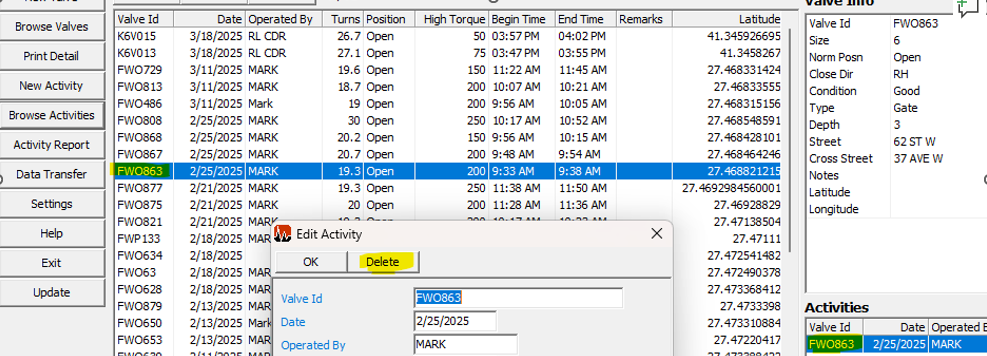
To completely remove ValveIDs from the controller you have to make sure you delete any activities associated with that ValveID from the actual controller first. Once you do that make sure you do a Data Transfer (FlashTransfer) as explained in the manual.
After you complete the data transfer, find the ValveID you want to delete in Vitals Desktop (PC) and make sure you delete any activities associated with that ValveID first, then you can delete the ValveID from the list by double-clicking the id and then clicking delete.
Once you delete it, you have to do another data transfer, this will effectively remove the ValveID from the controller. Basically, the ValveIDs are managed in Vitals Desktop sine that's where the master database resides on.